Get Wazomind free
Two ways to run it: one click in Chrome, or the Windows app if you use the Zoom and Teams desktop clients. Both are free to start - no card.
Add the Chrome extension
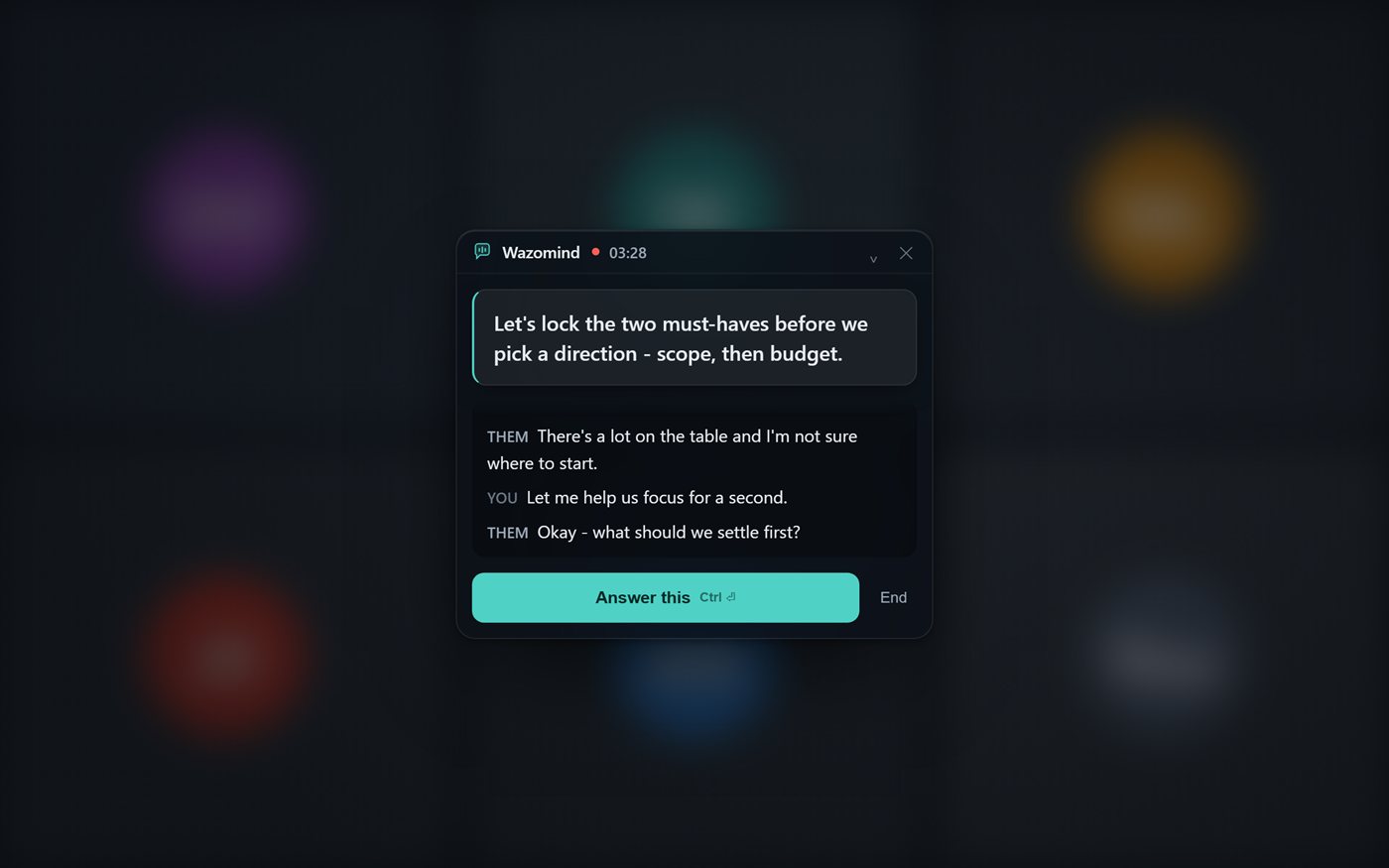
A floating co-pilot right on the page - live transcript, suggested replies, and a full post-call summary for Google Meet, Zoom web, Teams web and any tab. Nothing to install, and no bot joins your call.
➕ Add to Chrome - free- Click Add to Chrome, then confirm with Add extension.
- Pin Wazomind from the puzzle-piece menu so it's one click away.
- On any call tab, right-click the page → “🎙 Start Wazomind on this tab” (or press Ctrl+Shift+Y).
Or the Windows app - the full version
Everything the extension does, plus what only a desktop app can: it hears the Zoom and Teams desktop clients (not just browser tabs), answers from your own documents, reads a shared slide or spreadsheet, remembers past calls, and runs fully offline with local models. Your 14-day Pro trial starts automatically.
We'll send the download plus a 60-second setup guide. No spam, unsubscribe anytime.
Or download for Windows now - no email needed.
📧 Sent - check your inbox. Your download is starting too.
Windows 10 / 11 (64-bit). macOS coming soon - get notified.